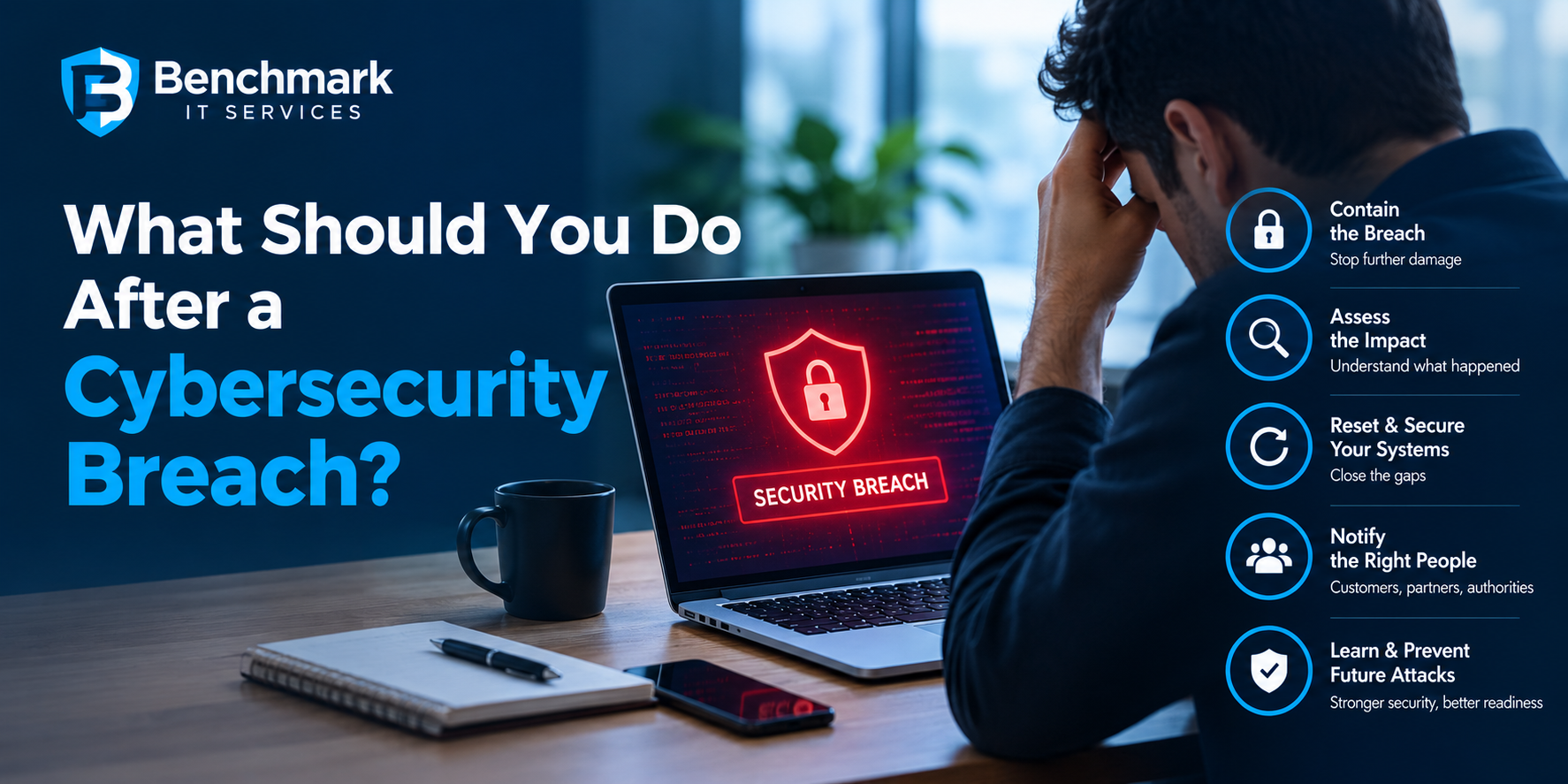
A cybersecurity breach can be stressful for any business. When systems, accounts or sensitive information may have been compromised, every minute matters. The immediate priority should be to contain the incident, understand what happened and prevent the attacker from causing further damage.
For small and medium sized businesses, responding to a breach can be especially challenging when there is no dedicated security team available. Having a clear response process can help reduce confusion and support a faster recovery.
What Is a Cybersecurity Breach?
A cybersecurity breach occurs when an unauthorised person gains access to business systems, accounts, networks or information.
A breach may involve stolen login credentials, compromised email accounts, malware, ransomware, exposed customer information or unauthorised access to cloud applications.
Not every security incident looks the same. Some attacks may be detected immediately, while others can remain unnoticed for days or even longer.
That is why businesses should take unusual activity seriously and investigate potential security incidents as soon as possible.
- Stay Calm and Start Containment
The first step after discovering a potential breach is to prevent the incident from spreading.
Depending on the situation, this may involve:
- Disconnecting affected devices from the network
- Disabling compromised user accounts
- Resetting affected passwords
- Blocking suspicious connections
- Restricting access to affected systems
- Isolating infected devices
The exact response will depend on the nature of the incident. Businesses should avoid making unnecessary changes that could remove important evidence before the situation has been properly assessed.
- Identify What Has Been Compromised
Once the immediate threat is contained, determine which systems, accounts and information may have been affected.
Look for unusual activity such as:
- Unexpected login attempts
- Unknown administrator accounts
- Unusual email activity
- Unrecognised file changes
- Suspicious software installations
- Unexpected password resets
- Unusual network traffic
The purpose is to establish the scope of the incident rather than assuming that only the device where the problem was first discovered has been affected.
- Secure Compromised Accounts
If an attacker has obtained usernames and passwords, changing the affected credentials should be a priority.
Businesses should consider:
- Resetting compromised passwords
- Enabling multi factor authentication
- Reviewing administrator accounts
- Removing unnecessary users
- Checking active sessions
- Reviewing account permissions
Passwords should not be reused across different business services. If the same password was used elsewhere, those accounts may also need to be secured.
- Preserve Evidence
It can be tempting to immediately delete suspicious files, wipe affected devices, or reinstall software. However, doing so may remove information that could help determine how the breach occurred.
Businesses should preserve relevant logs, alerts, emails, system records, and other available evidence where possible.
For serious incidents, specialist cybersecurity professionals can help investigate the attack and determine the likely entry point, affected systems, and potential impact.
- Check Your Backups
If the breach involves ransomware, deleted files, or damaged systems, reliable backups can become extremely important.
Businesses should verify:
- When the last successful backup was completed
- Which systems and files were backed up
- Whether backups are accessible
- Whether backups have also been affected
- How quickly critical systems can be restored
A backup strategy should not only focus on creating copies of data. Businesses should also regularly test whether those backups can actually be restored.
- Determine What Information Was Exposed
One of the most important questions after a breach is understanding what information may have been accessed.
This could include customer information, employee records, financial information, business documents, credentials, or other confidential data.
Businesses should document what is known and what remains uncertain. Depending on the circumstances and applicable requirements, there may also be obligations relating to notification, reporting or communication with affected parties.
For significant incidents, obtaining appropriate legal and cybersecurity advice can help ensure the response follows relevant requirements.
- Investigate How the Attack Happened
Recovering systems is important, but understanding the cause is equally important.
Ask questions such as:
- Was an employee targeted by phishing?
- Was a password compromised?
- Was an outdated system exploited?
- Did an attacker gain access through a third party?
- Was a device infected with malware?
- Were excessive user permissions involved?
- Were security alerts missed?
Finding the original weakness can help prevent the same attack method from being used again.
- Restore Systems Carefully
Once affected systems have been investigated and secured, businesses can begin restoring normal operations.
Depending on the incident, this may include removing malware, rebuilding compromised devices, restoring clean backups, updating software, and strengthening access controls.
Systems should not simply be brought back online without addressing the weakness that allowed the attacker to gain access in the first place.
- Inform Employees
Employees should understand what happened and what they need to do next.
For example, they may need to change passwords, enable multi-factor authentication, avoid suspicious emails, or report unusual activity.
A breach can also highlight gaps in security awareness. Businesses can use the incident as an opportunity to improve employee training and reinforce practical security procedures.
- Strengthen Security After the Incident
A cybersecurity breach should lead to a review of the organization’s overall security.
Consider reviewing:
Access controls: Are employees receiving only the access they need?
Authentication: Is multi-factor authentication enabled for important accounts?
Software updates: Are operating systems and applications being patched regularly?
Backups: Are important files backed up and regularly tested?
Endpoint security: Are laptops, desktops, and other devices properly protected?
Email security: Are phishing and malicious email threats being monitored?
Monitoring: Can suspicious activity be detected quickly?
Employee awareness: Do staff know how to recognize and report potential threats?
Why Professional Cybersecurity Support Can Help
A serious breach can involve technical investigation, system recovery, security monitoring, and risk management. Businesses without dedicated security specialists may find it difficult to manage all of these areas internally.
A cybersecurity company in Melbourne can provide specialist expertise to help businesses investigate incidents, strengthen security controls, and develop a more effective approach to preventing future attacks.
The right support should focus on the business’s actual environment and risks rather than simply recommending additional security products.
Don’t Wait Until the Next Breach
A cybersecurity incident can reveal weaknesses that may have remained unnoticed for months. Instead of treating the breach as an isolated event, businesses should use it to improve their overall security posture.
The most effective response combines immediate containment with proper investigation, recovery, and long-term security improvements.
For Melbourne businesses, working with an experienced cybersecurity company can provide additional expertise when responding to an incident and building stronger protection for the future.
The best time to prepare for a cybersecurity breach is before one happens.